Adding another domain, email account, or hosting package to your account is quick and straightforward.
Step 1 – Log Into Your Account
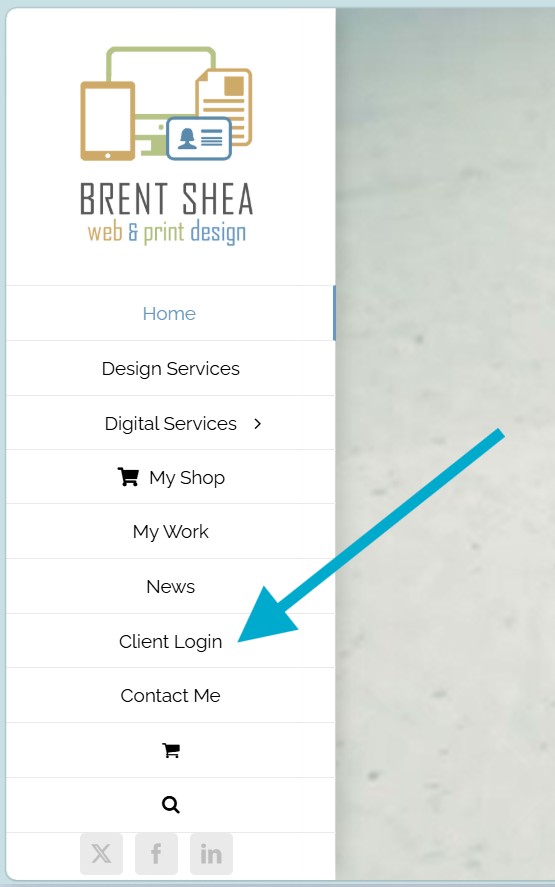
Visit BrentShea.com and select Client Login from the main menu.
Once logged in, navigate to:
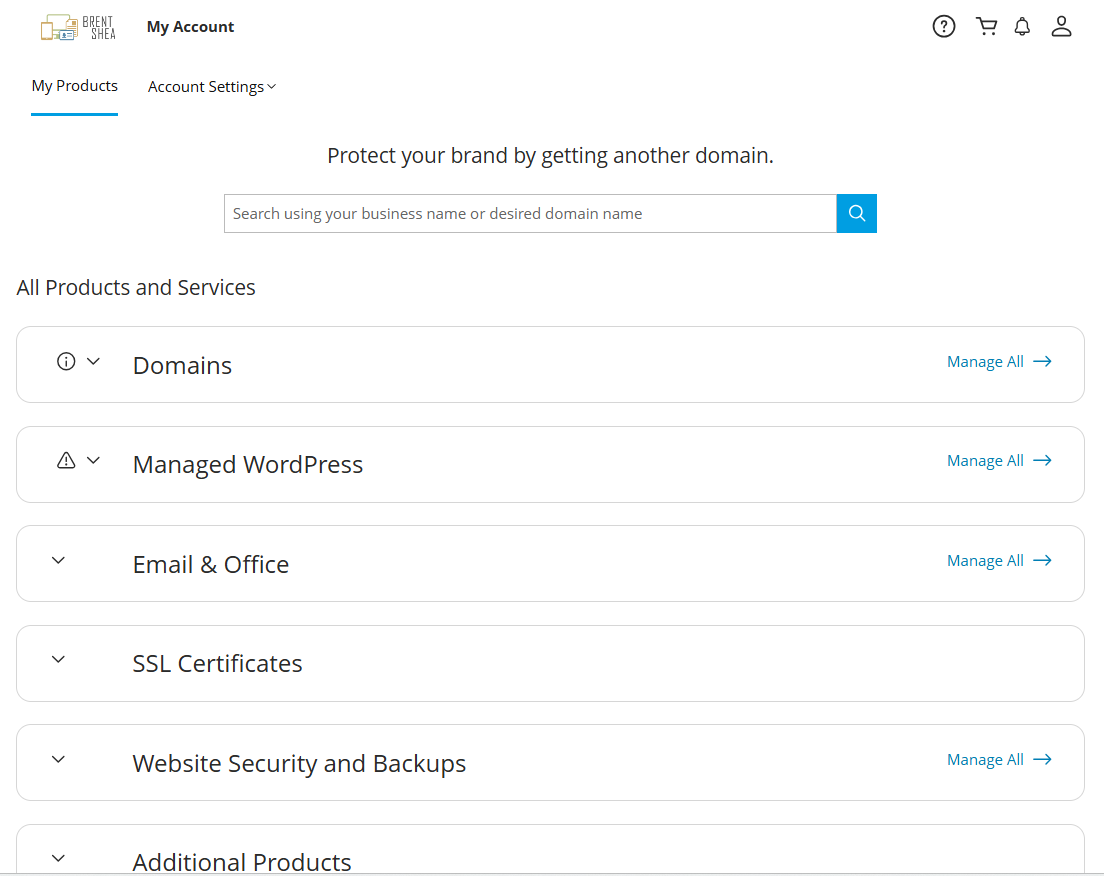
My Products
This section contains all of your active products, services, and subscriptions.
Step 2 – Locate the Product Group
Your products are organized into grouped tabs for easier management, such as:
- Domains
- Hosting
- Email Services
Within each product grouping, click the MANAGE ALL link to purchase or update.
Step 4 – Complete the Purchase & Setup
Follow the on-screen instructions to:
- Select your new product or upgrade
- Complete checkout
- Configure your settings & activate your new product
Most services are available immediately after setup is completed.
Need Help?
Technical support is available 24/7 via phone 844-494-9067
You can also access the built-in Help Topics by clicking located at the top of the screen within the client area.